Groups
Gather cards into groups by idea, scene or client.

Creative board
An infinite board for choosing references and concepts. Everything your team finds is in one place, with a clear status.
Request a demo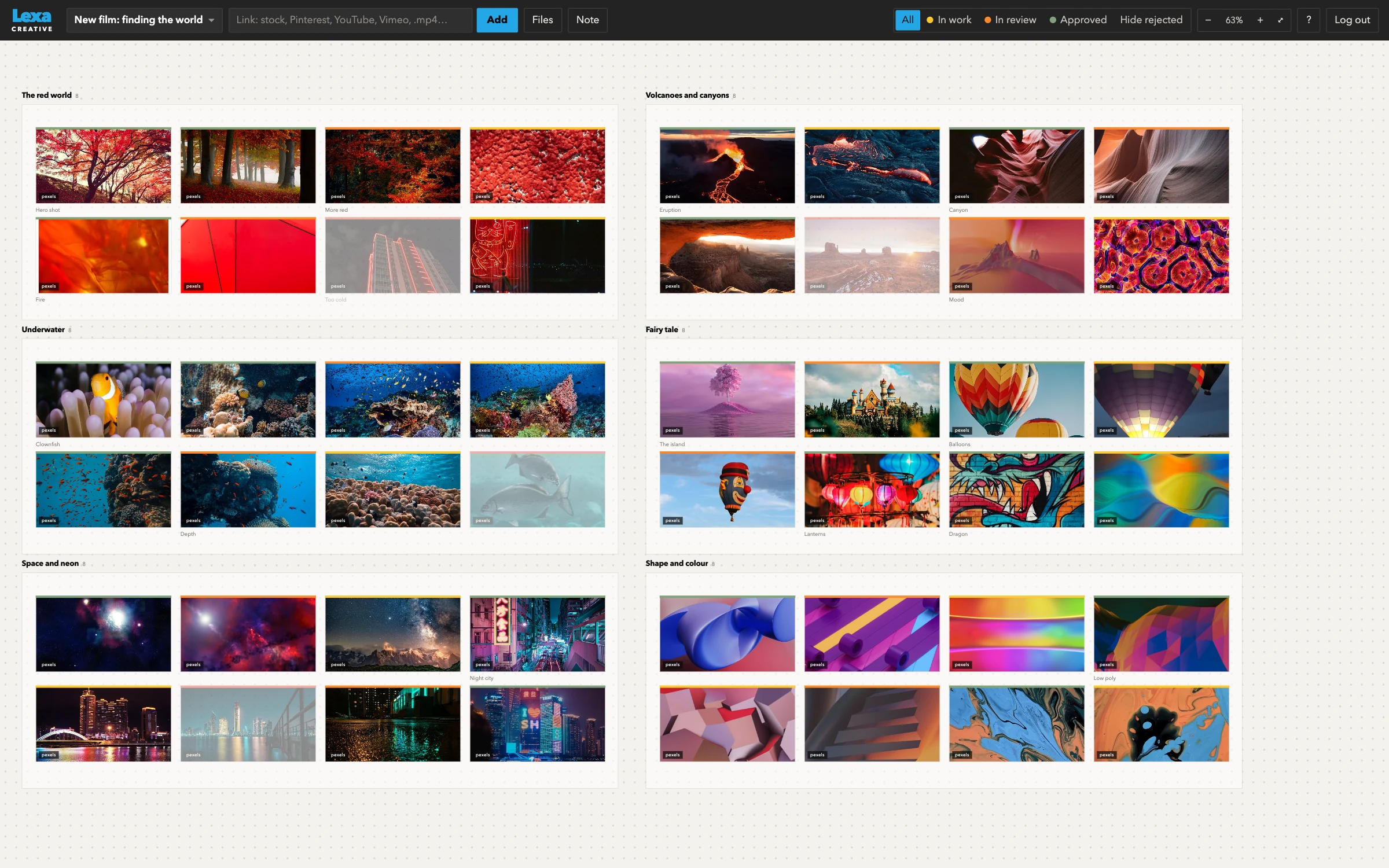
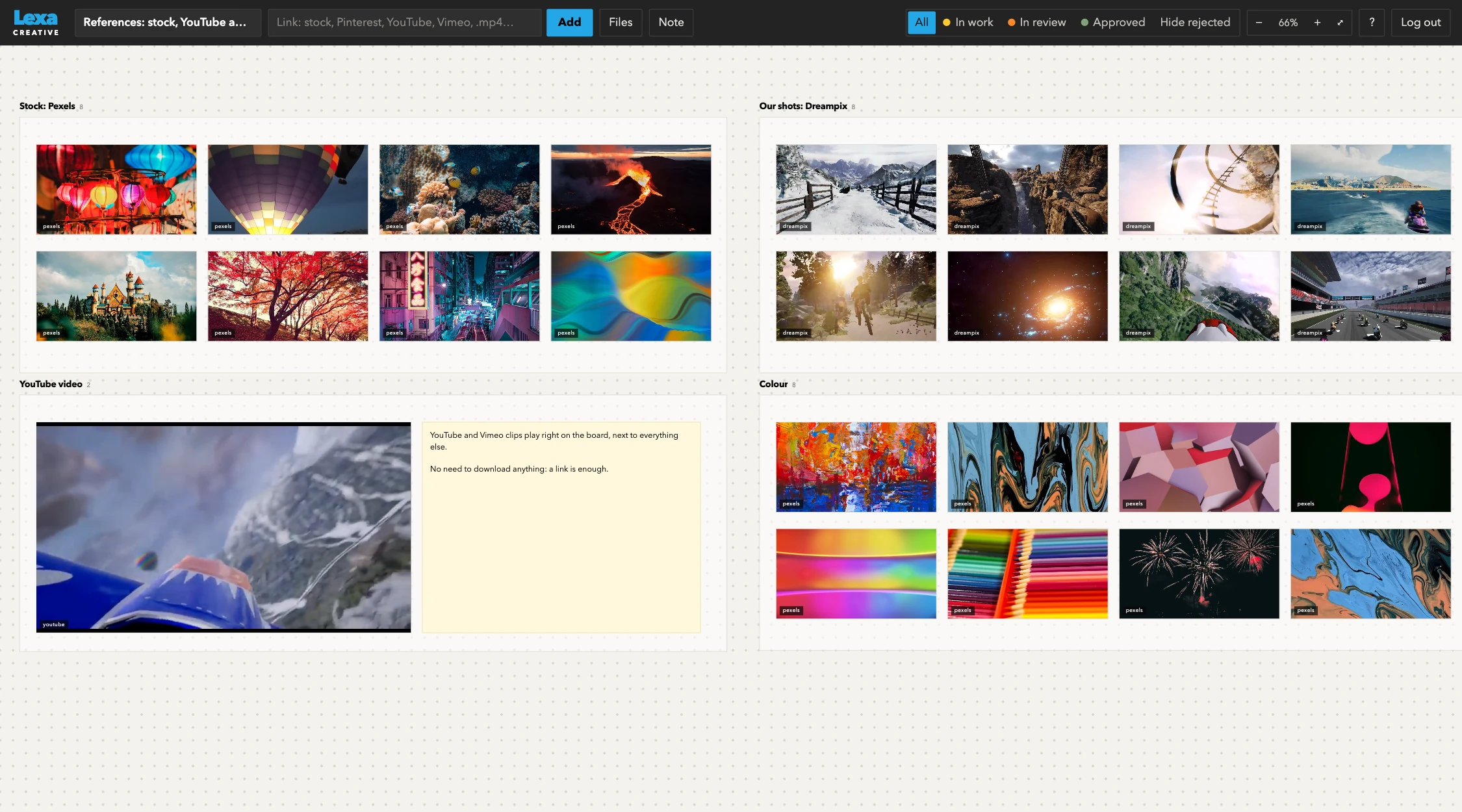
Drag in files, paste a picture or a link. YouTube and Vimeo play right on the board. Pinterest pins and whole boards come in as groups. Stock previews are added in one click with a browser bookmark.
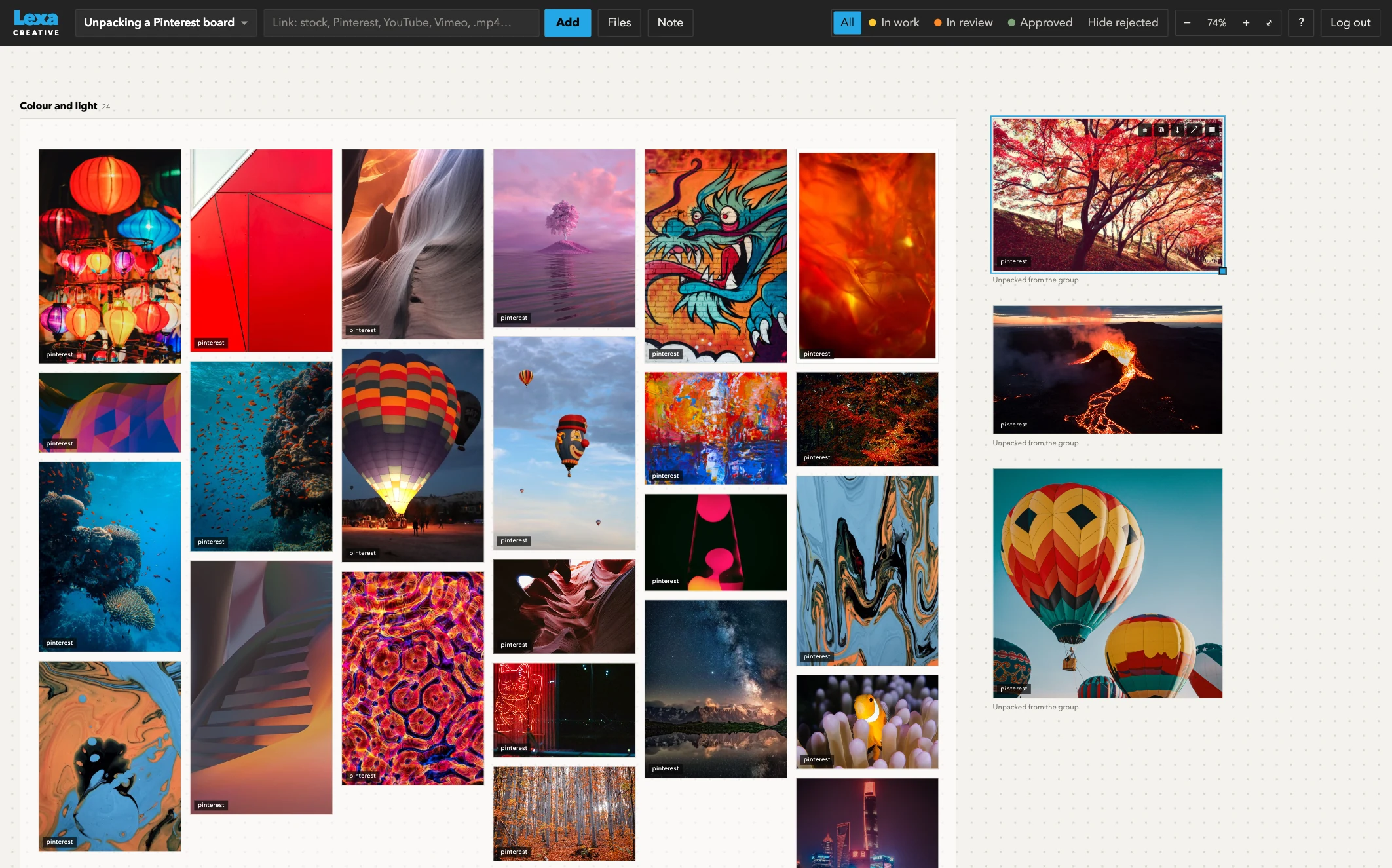
Paste a link to a board and it arrives as a group. Take the group apart and sort the pins by idea: every pin remembers where it came from.
pinterest.com/pin/100200300pinterest.com/your-studio/colour-and-light
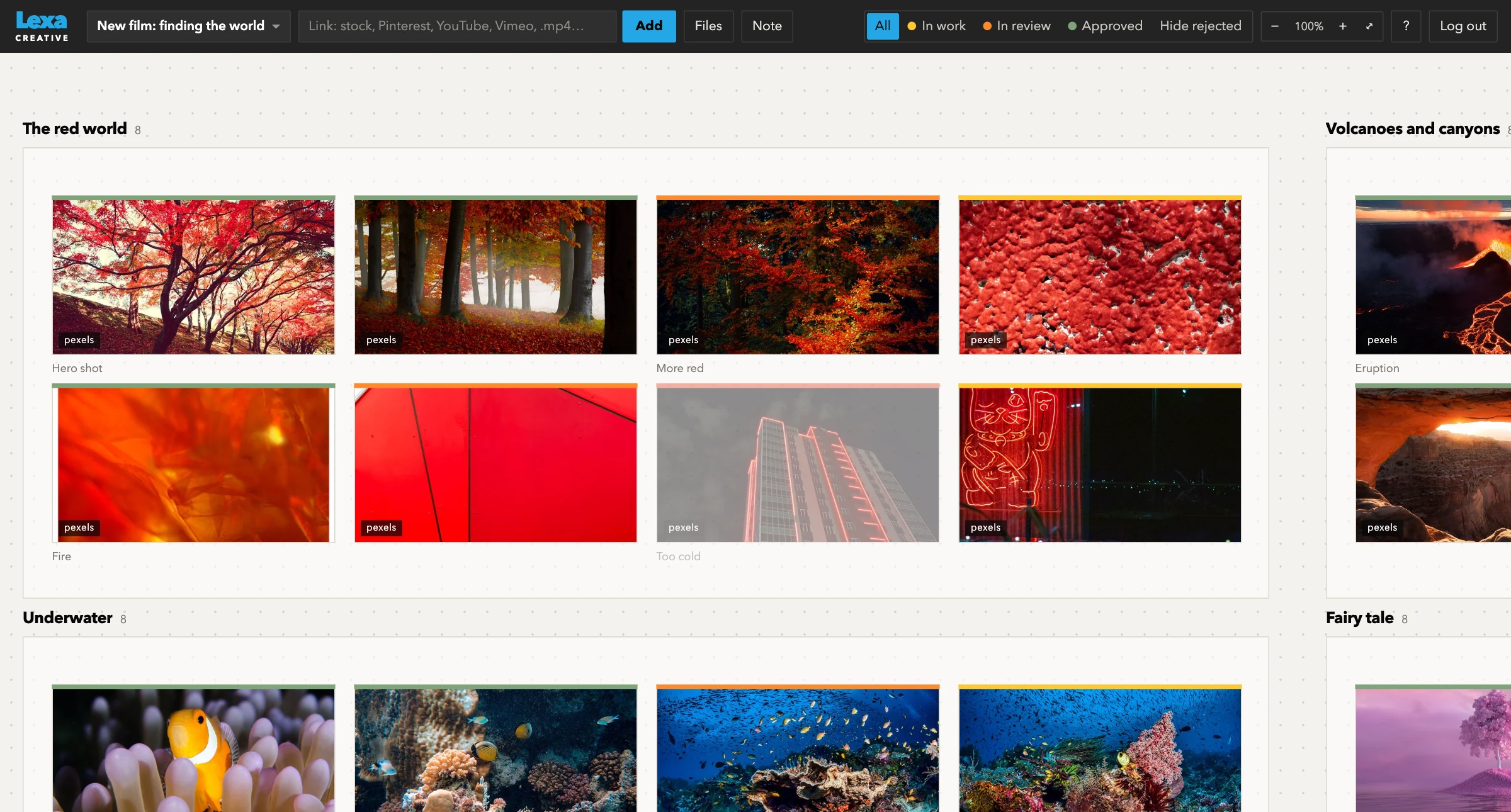
Each card has a status: in progress, in review, approved, rejected. One filter hides everything rejected, so the team and the client see only what is still in play.
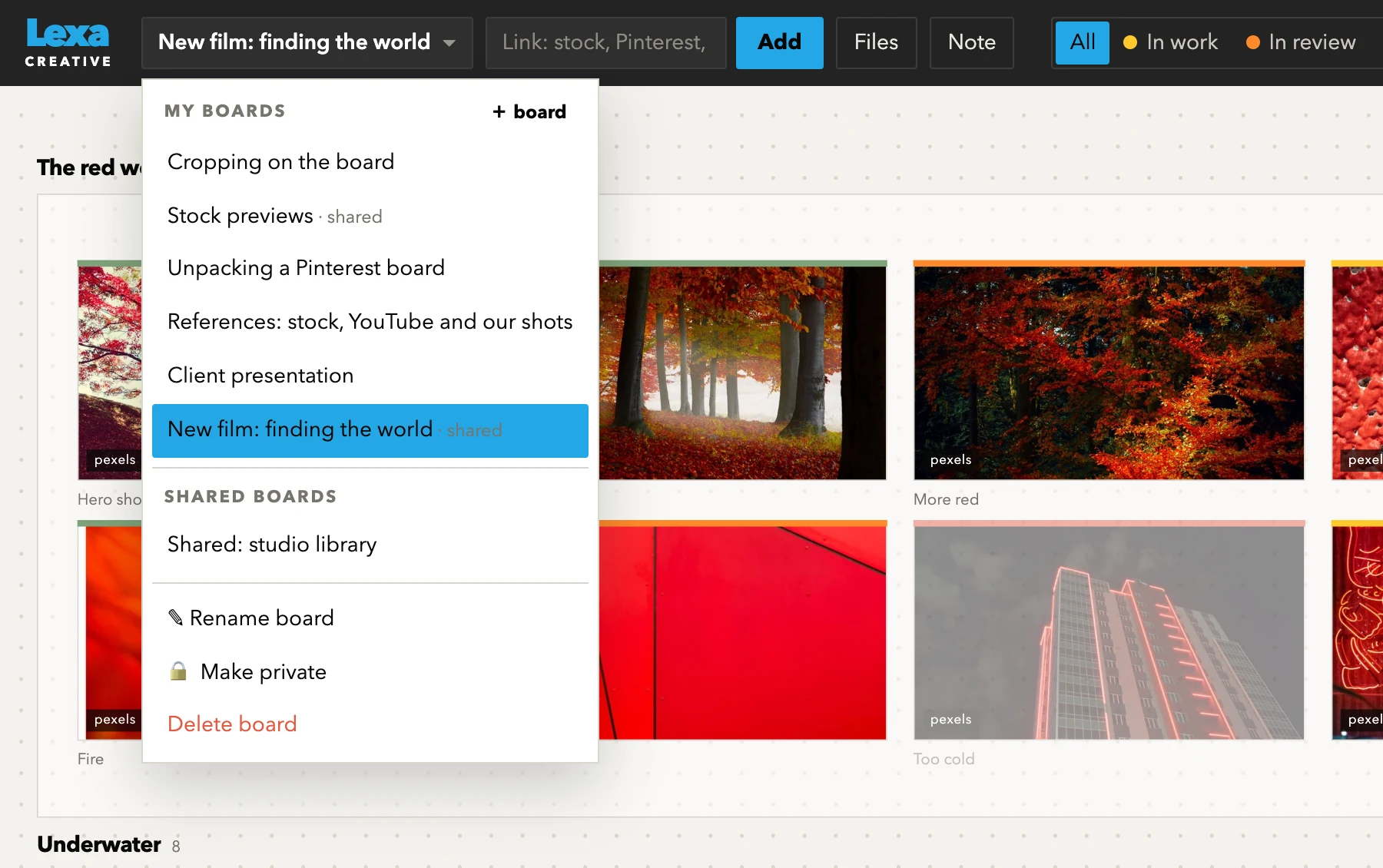
Click the board name at the top and the list opens: your boards and the shared ones. From here you can add a board, rename it, make it shared or private, or delete it.
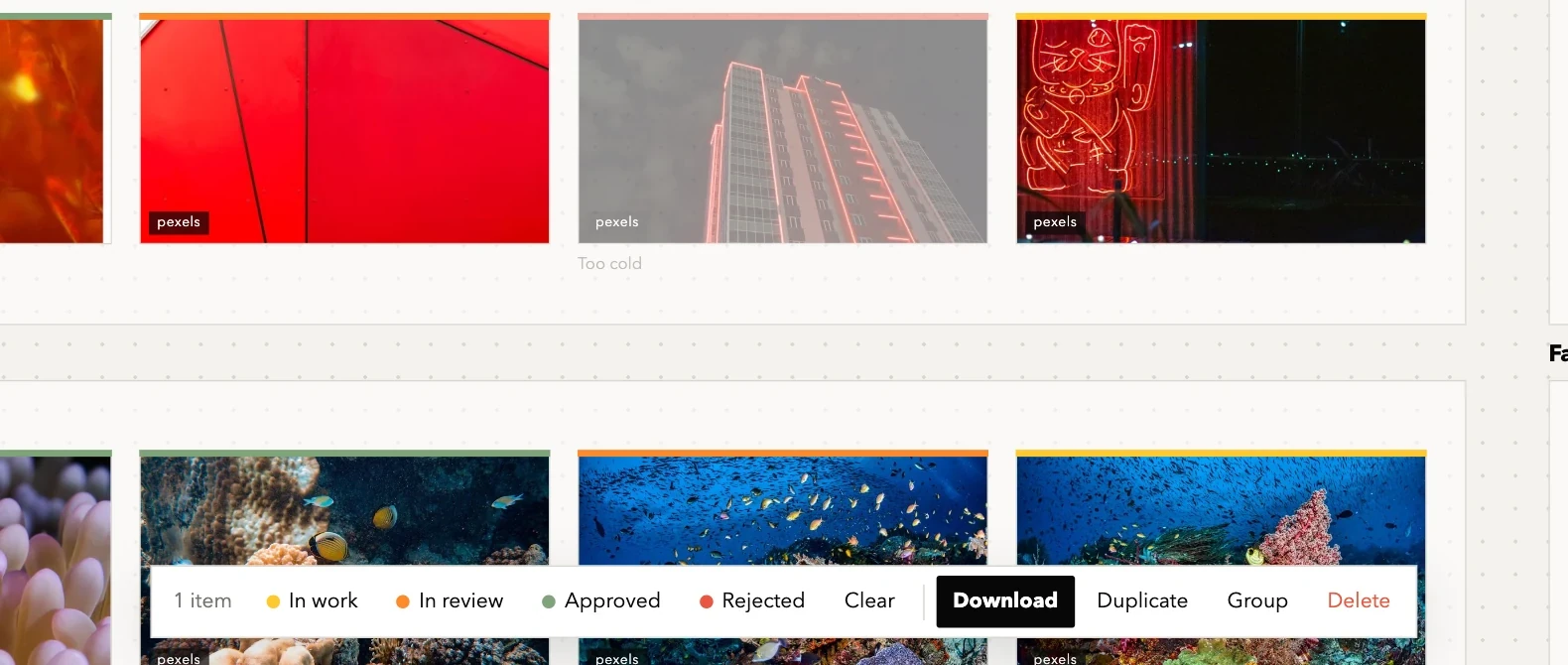
Select a card and a panel appears at the bottom: set a status, download, duplicate, group or delete.
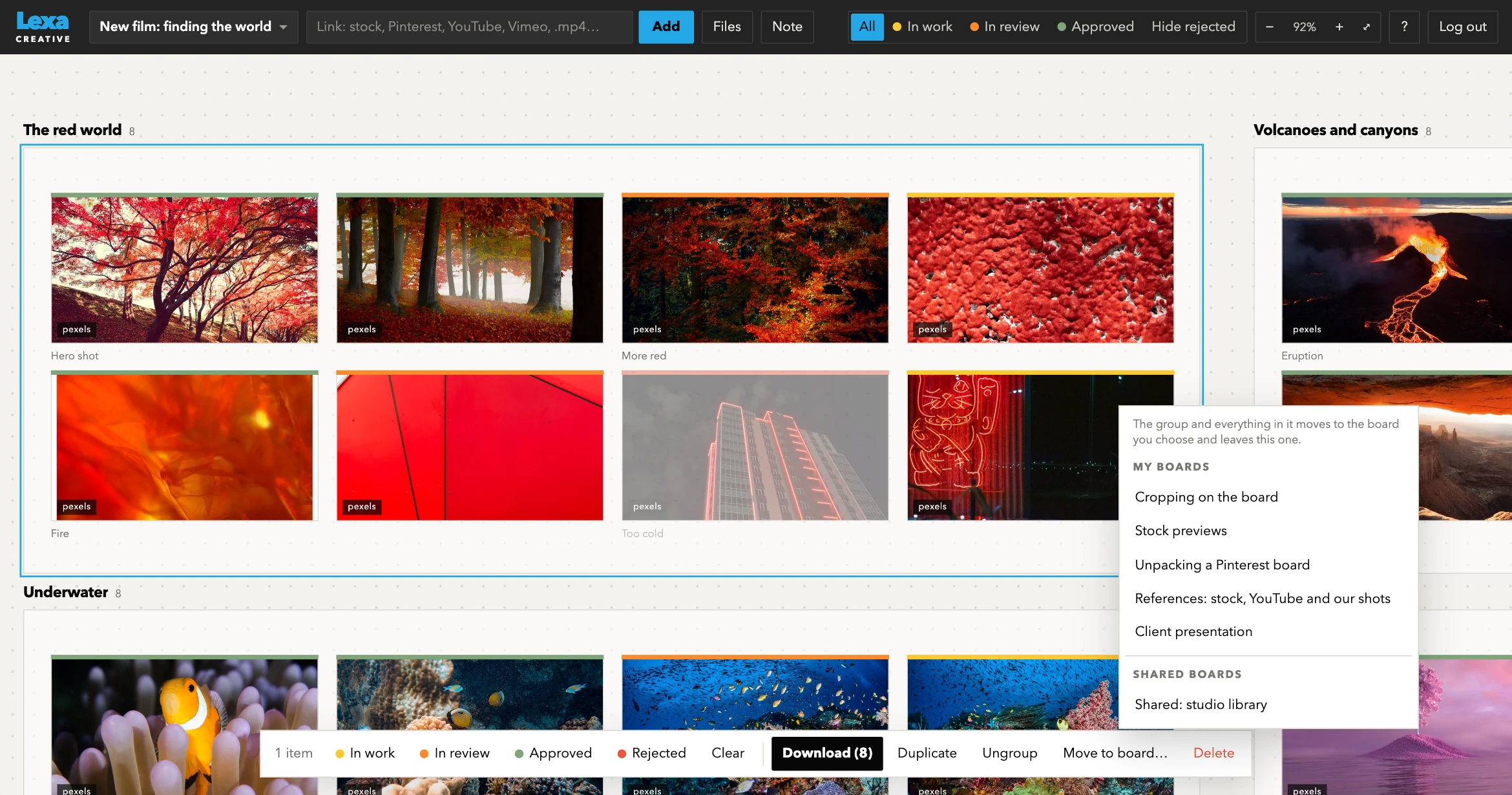
Select a group and the panel adds Ungroup and Move to board. The group moves with everything in it and leaves the old board.
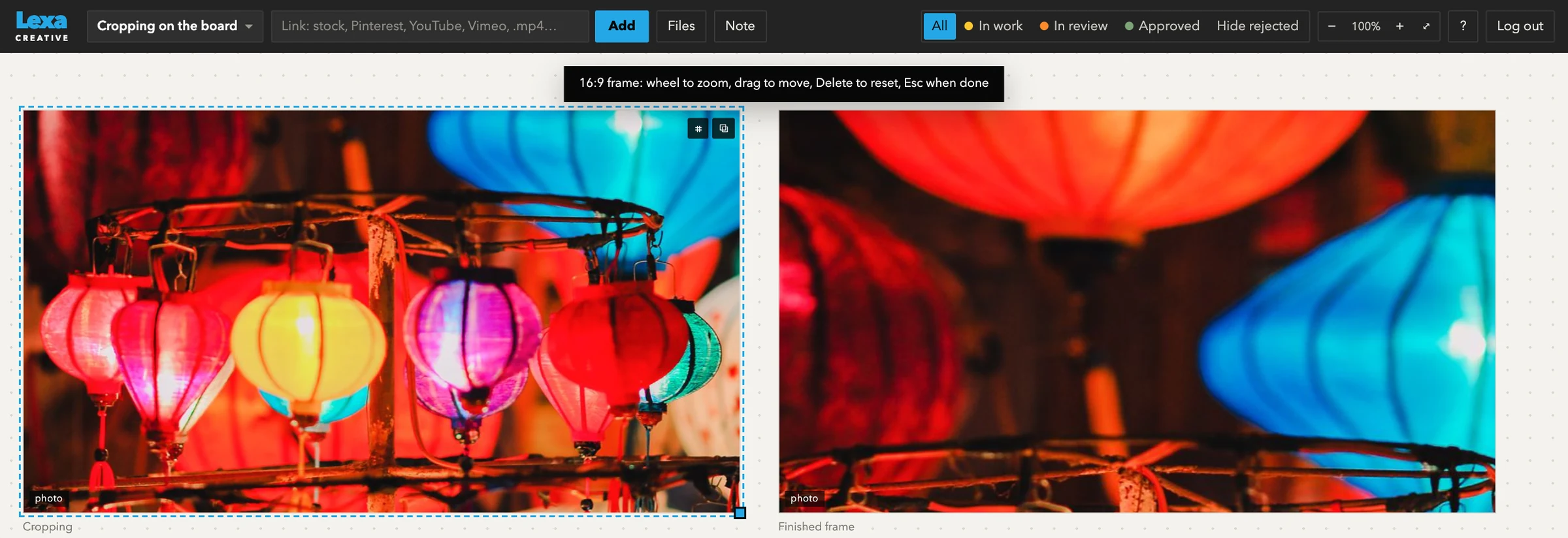
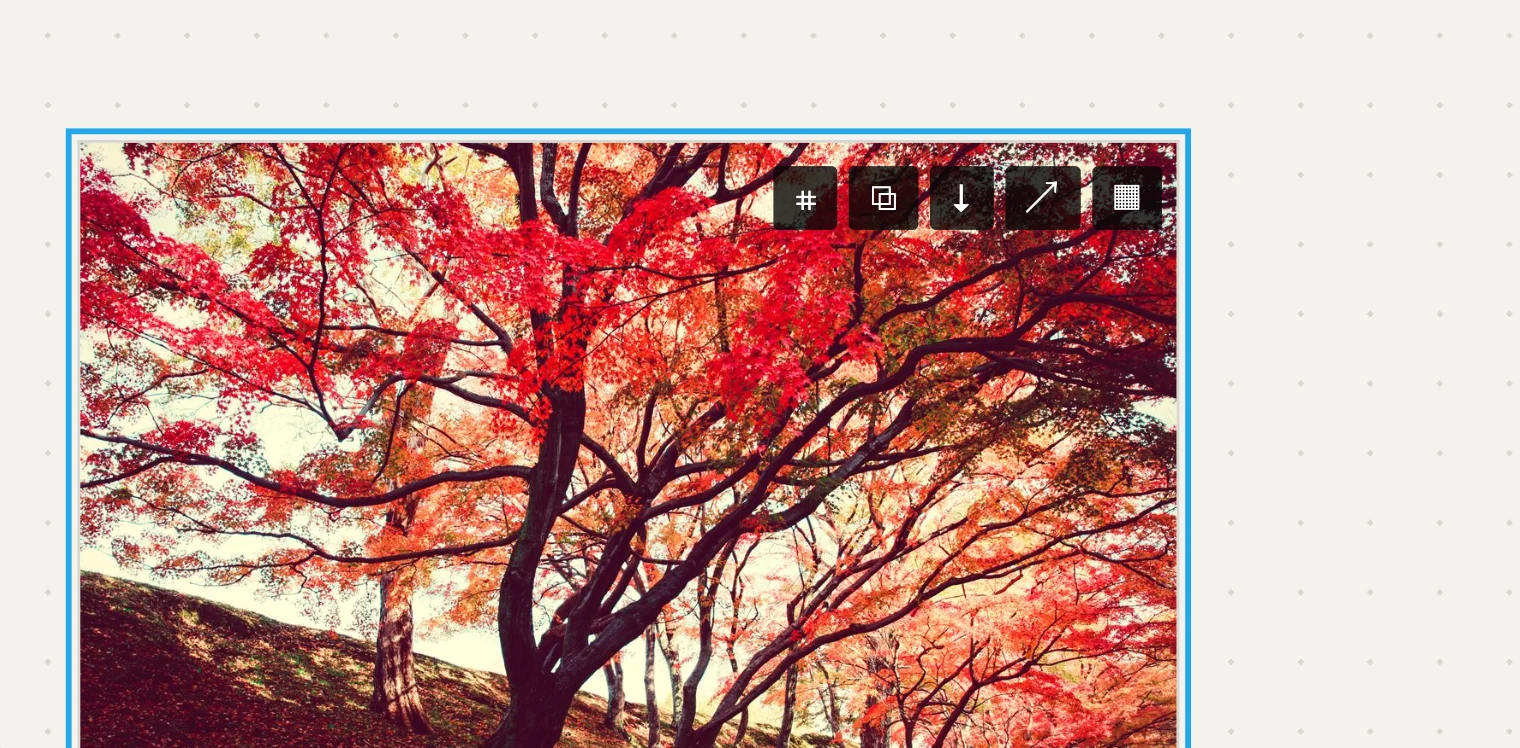
Select a card and press ⌗. The wheel zooms, the mouse moves the frame, Delete resets and Esc finishes. The original image is kept, so you can change the frame at any time.
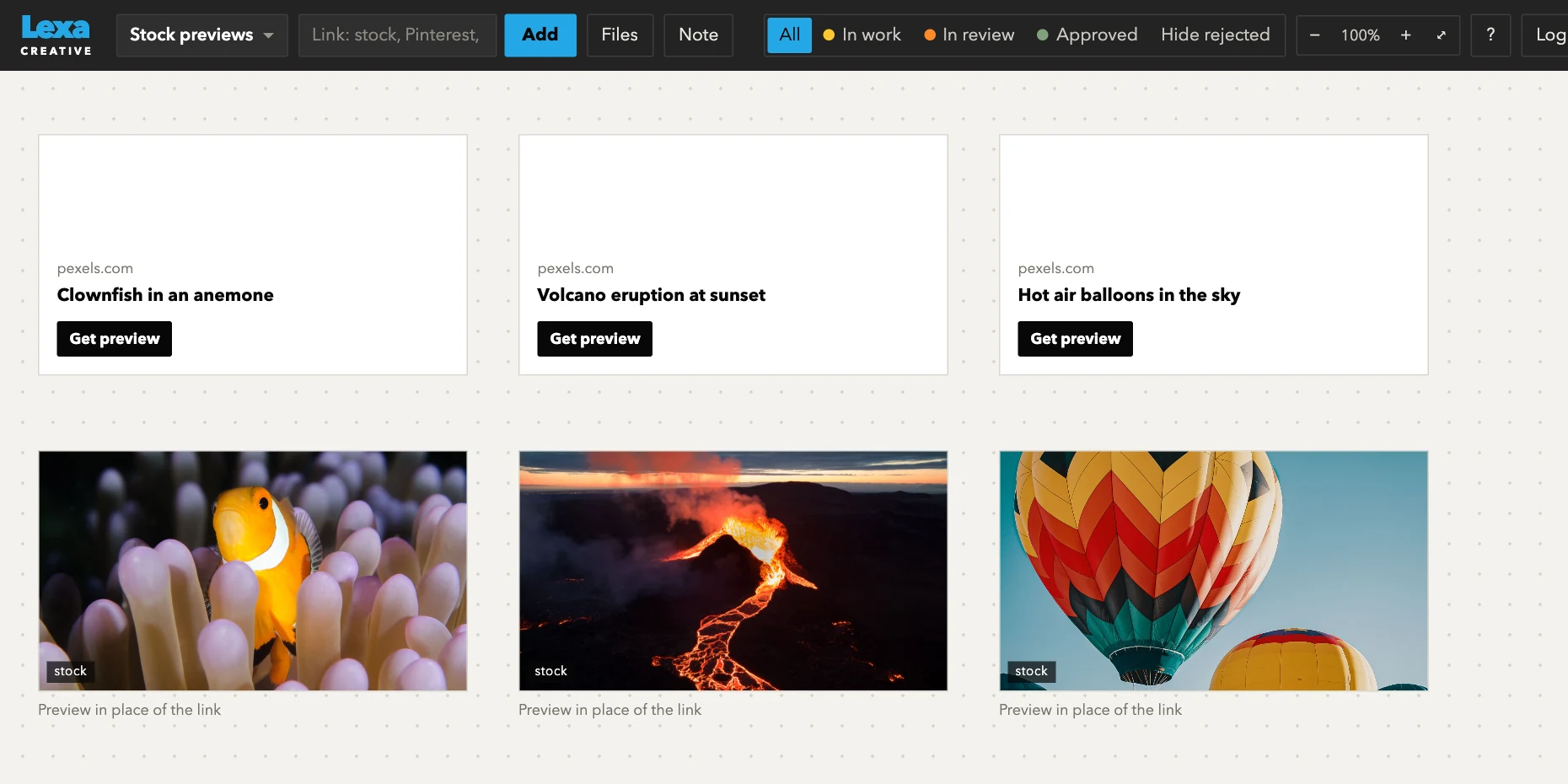
Save a link to a clip and a card appears on the board. The Get preview button puts a frame from the stock site in its place and keeps the link to the clip. It works through a browser bookmark or the LexaClip app for Mac.
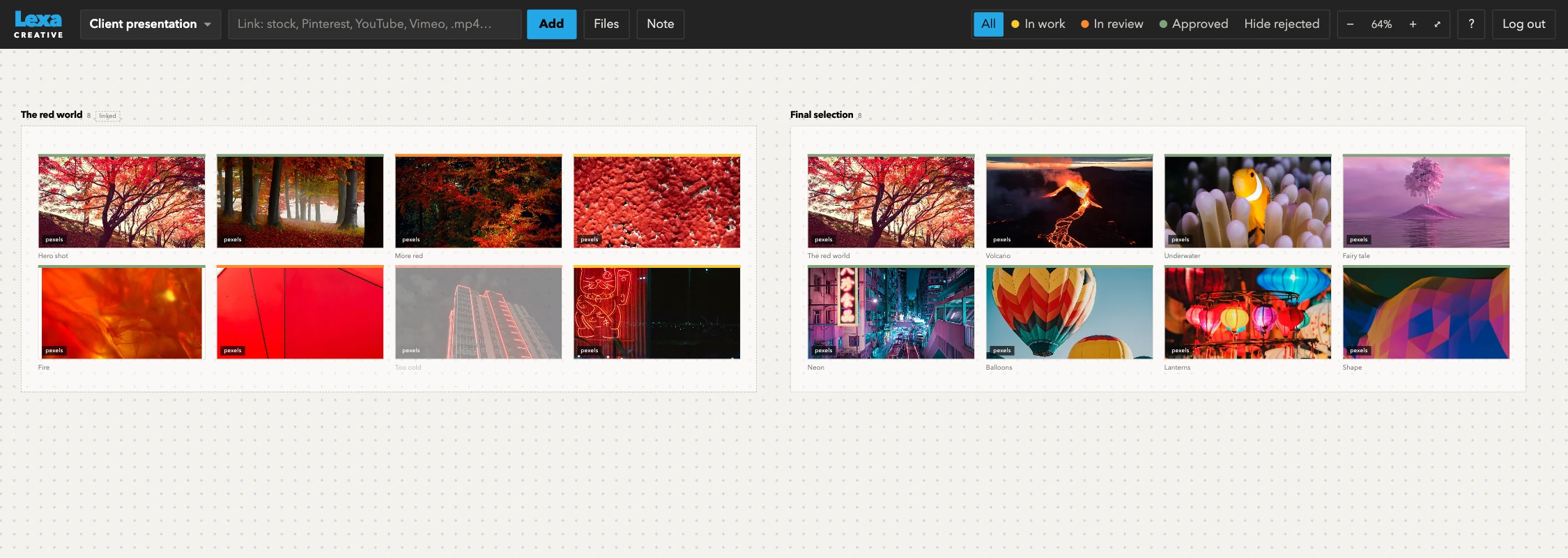
Put only the selected work on its own board. The group is linked to the working board, so the client sees changes at once.
Gather cards into groups by idea, scene or client.
Show a group on another board. Edit it in one place, and it changes everywhere.
Keep rough ideas to yourself. Open a board to the team when it is ready.
Download the selected files in one go and put them into Keynote.
Tell us about your team. We’ll walk you through a demo and suggest what fits.
Request a demo